AI apps have become a part of various areas of life, from education and finance to business, and help us work more efficiently. Furthermore, artificial intelligence (AI) is a technology capable of mimicking human form, characteristics, and even working methods.
However, unfortunately, many people are still unaware of the application of artificial intelligence in everyday life. AI application platforms are capable of automating tasks, analyzing data, and supporting decision-making so that businesses can improve operational efficiency.
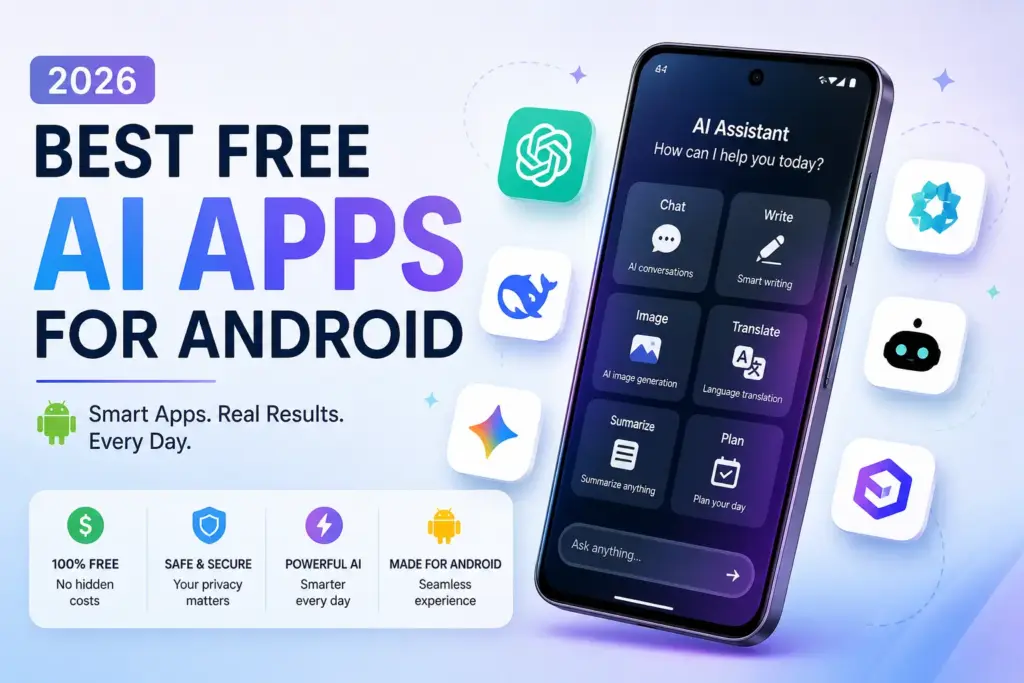
There are plenty of free AI apps available today that can help you with everything from summarizing resumes and translating languages to generating ideal, human-like images or videos.
But here’s the problem
Most “AI apps” on the Play Store are either:
- Fake AI wrappers
- Full of ads
- Or simply not useful
So I tested and analyzed the best free AI apps for Android in 2026, based on:
- Real usefulness
- Free features (not just trial)
- Ease of use
- Performance
Let’s get started.
Quick Comparison – Best Free AI Apps (2026)
| Usage limits in the free plan | Best For | Strength | Weakness |
|---|---|---|---|
| ChatGPT | All-purpose use | Most versatile (writing, coding, ideas) | Advanced features paid |
| Google Gemini | Android users | Deep Google integration | Limited free features |
| Grok AI | Real-time info | Live data + social insights | Needs X subscription |
| Microsoft Copilot | Work & Office | Great for documents & productivity | Slightly slower sometimes |
| Grammarly | Writing | Best grammar & rewriting tool | Not full AI assistant |
| Claude AI | Long content | Best for deep reasoning & writing | Usage limits in free plan |
| Perplexity AI | Research | Answers with sources (very accurate) | Less creative |
Table of Contents
1. ChatGPT – Best Overall AI App
First, you’re probably familiar with this free AI app, right? The ChatGPT AI app offers a variety of interesting features that can help students and workers.
If you install just one AI app, make it this.
What I Liked:
- Very accurate answers
- Can write articles, emails, and captions
- Voice + chat support
What I Didn’t Like:
- Advanced features are paid
- Needs internet
Best for: Students, bloggers, and daily use
2. Google Gemini
Next, a free AI app that can be useful for students and workers is Gemini AI. For workers, this app can be useful in helping you find the best business strategies, assisting you in analyzing the market, competition, and so on. You can send questions or prompts to Gemini AI, which will then provide you with predictions about current business trends.
If you use Android, Gemini feels like a built-in AI assistant. It integrates with Gmail, Docs, Maps, and Search, making it very powerful for productivity.
What I Liked:
- Deep Google integration
- Real-time information
- Clean interface
What I Didn’t Like:
- Some features are limited in the free version
Best for: Android users & productivity
3. Grok AI
Grok AI is an advanced AI chatbot developed by xAI (Elon Musk’s) that helps users get answers, generate content, and interact with AI in a more real-time and dynamic way.
Grok AI collects real-time information from the web & X platform, smart conversations with a more human-like tone, Advanced reasoning, coding, and problem-solving.
What I Liked:
- Very powerful AI assistant
- Real-time answers (better for news & trends)
- Multi-purpose (chat, writing, coding, images)
What I Didn’t Like:
- Some features require a subscription (via X Premium)
- Still evolving compared to ChatGPT/Gemini
- Occasional controversial responses
4. Microsoft Copilot
Copilot is like ChatGPT but optimized for work. It helps with writing, generating images, and answering queries using web data.
What I Liked:
- Image generation included
- Good for emails & documents
- Works well with Microsoft apps
What I Didn’t Like:
- Slightly slower sometimes
Best for: Office users & professionals
5. Grammarly
Another free AI app is Grammarly. If you need help checking your grammar in a foreign language, you can ask this app for assistance. This AI-based app will analyze your grammar. This app is especially useful for students, especially if they have to write in a foreign language. To avoid spelling errors, you can use this app.
It helps you:
- Fix grammar
- Improve writing
- Rewrite sentences
What I Liked:
- Real-time suggestions
- Works everywhere (keyboard, browser)
What I Didn’t Like:
- Advanced tone features are paid
Best for: Writing & communication
6. Claude AI
Claude AI is a powerful assistant developed by Anthropic, designed for writing, coding, and engaging in deep conversations. It is recognized for its safe responses, long-context understanding, and high-quality output.
Best For:
- Writers & bloggers
- Students and researchers
- Developers
What I Liked:
- Excellent for long-form content
- Clean and simple interface
- Strong reasoning and accuracy
What I Didn’t Like:
- Limited features in the free version
- Not as widely integrated as Google AI tools
- Requires an internet connection
7. Perplexity AI
Think of Perplexity AI as a smarter Google. Instead of just giving links, it gives direct answers with sources, which is very useful. Think of it as a mix of: Google (search) & ChatGPT (AI answers)
Best For:
- Students & researchers
- Learning and fact-checking
- Quick and reliable answers
What I Liked:
- Very accurate and fact-based answers
- Shows sources (big advantage over most AI apps)
- Clean, ad-free interface
What I didn’t like:
- Advanced features require the Pro version
- Not as creative as ChatGPT for writing
8. Canva AI – Best for Design & Content Creation
If you create posts, thumbnails, or social media content, this is a must-have. Canva AI helps you generate Images, designs, and social media posts.
What I Liked:
- Very beginner-friendly
- Free templates + AI tools
- Great for YouTube/bloggers
What I Didn’t Like:
- Some premium elements locked
Best for: Content creators
Final Verdict
Thus, AI applications are becoming an important solution for modern businesses because they can help automate work, increase efficiency, and support more accurate, data-driven decision-making.
Here’s my simple recommendation:
- Best Overall: ChatGPT
- Best for Android: Gemini
- Best for Search: Perplexity
- Best for Creators: Canva AI